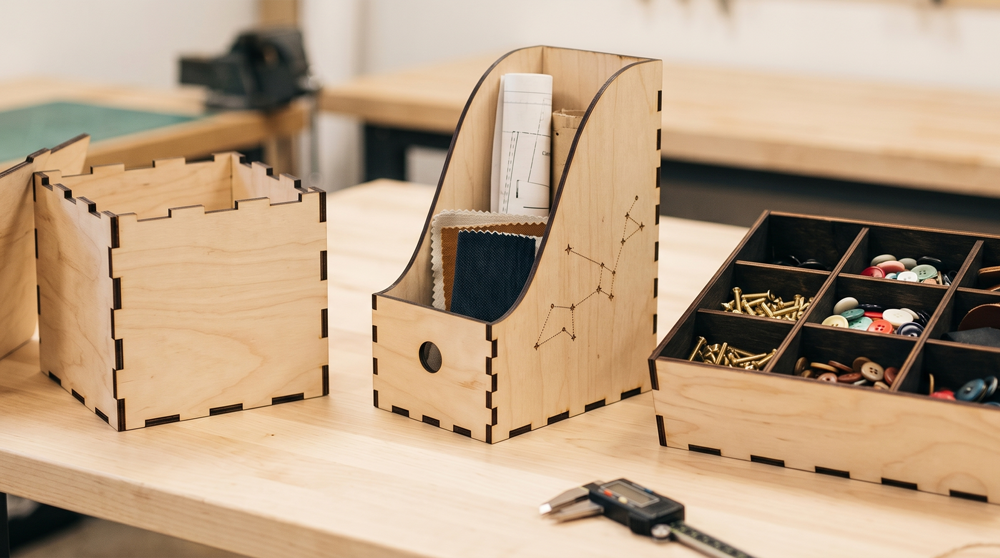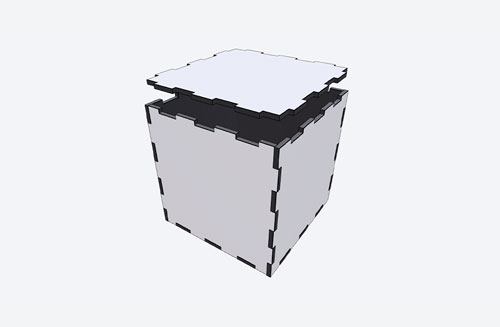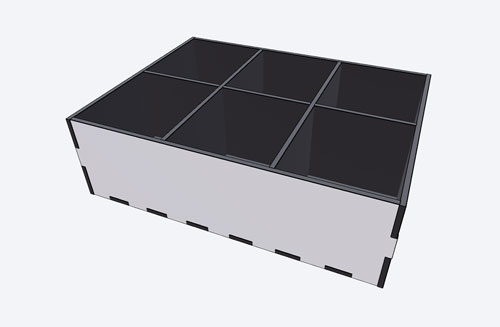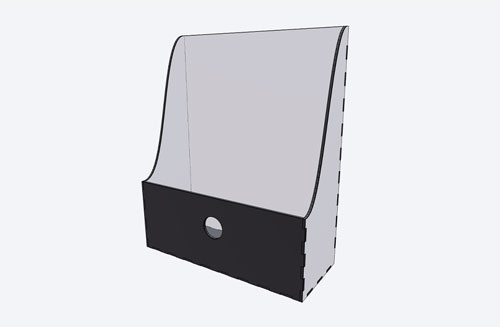
Generate precision vector paths optimized for laser cutting. Export in SVG or DXF format - ready to send directly to your laser cutter.
DiecutMaker's laser cut templates produce clean, precise vector paths in SVG and DXF format, optimized for laser cutters and CNC machines. Adjust dimensions to fit your material, export, and cut. No CAD software required - just set your measurements and go.
Browse the template gallery and click the template that fits your project. You can preview each template before customizing.
Use the parameter panel to set the exact dimensions - length, width, height, and more. See changes update in real time in the 2D and 3D preview.
Export your finished template in PDF, SVG, DXF, PNG, JPG, 3MF, or STL format. Print-ready and optimized for cutting machines, laser cutters, and 3D printers.